Download Form 16 Fy 2025-26 Excel
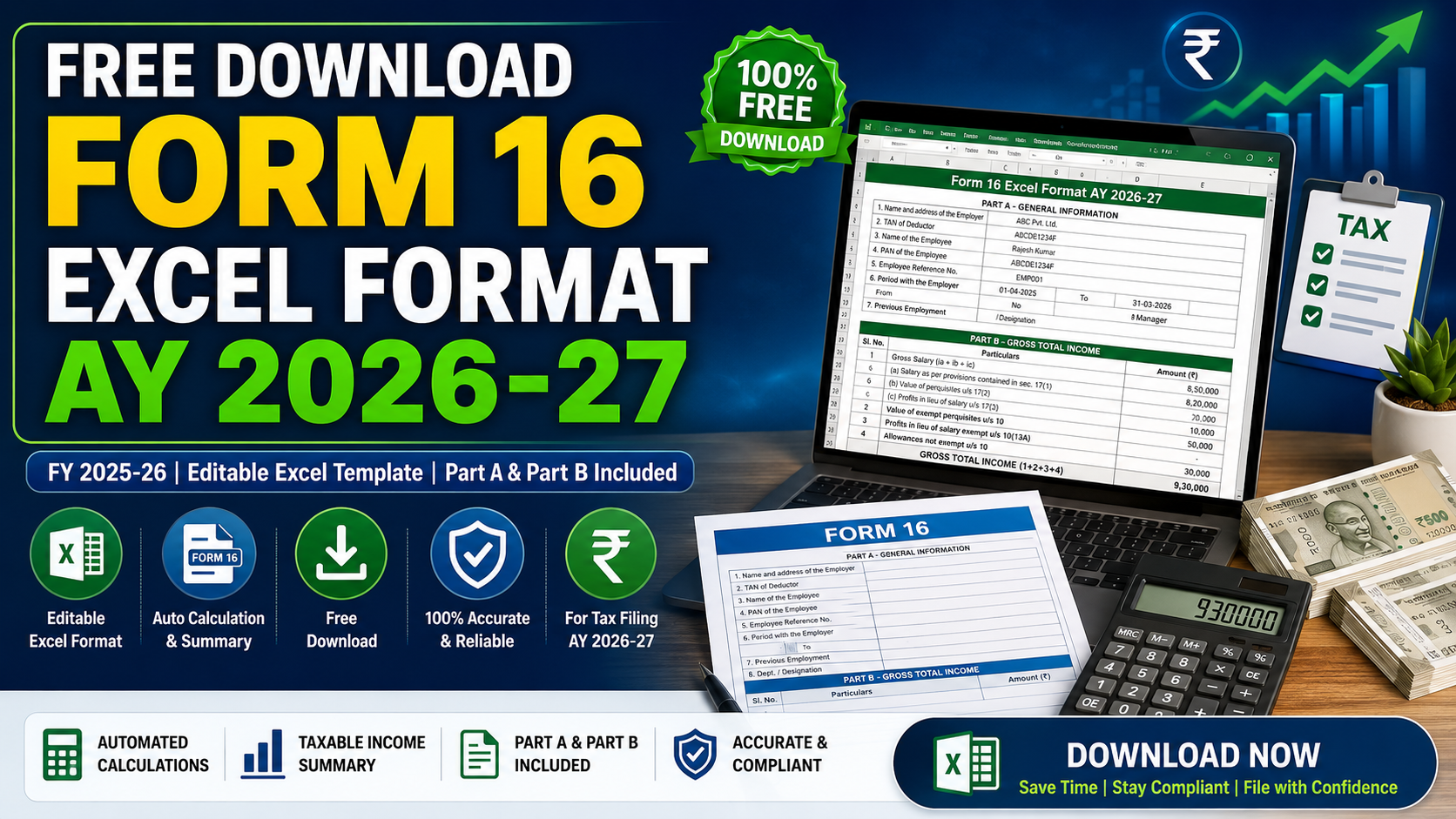
For salaried individuals, the arrival of the tax-filing season brings focus to one crucial document: Form 16. If you are planning to file your Income Tax Return (ITR) for the Assessment Year (AY) 2026-27, which corresponds to the Financial Year (FY) 2025-26, you must possess a valid, accurate TDS certificate from your employer. To help Drawing and Disbursing Officers (DDOs), tax professionals, and individual employees, we are sharing a complete, fully automated, and Free Download Form 16 Excel Format AY 2026-27. This utility includes the updated tax slabs, automated formula sheets, and matches the official IT department layout.
Generate Form 16 Online Instantly
बिना किसी एक्सेल फाइल या सॉफ्टवेयर के सीधे अपने मोबाइल या कंप्यूटर पर ऑनलाइन फॉर्म 16 (Part A & Part B) तैयार करने और उसका प्रिंट (A4 PDF) प्राप्त करने के लिए हमारे नए वेब-आधारित टूल का उपयोग करें:
Online Form 16 Generator (FY 2025-26)
Download Form 16 Excel Utility (AY 2026-27)
Get the fully automated, formula-driven Excel sheet to prepare salary tax calculations and print the official Form 16 Part A & Part B layouts.
Download Excel Utility (FY 2025-26)
What is Form 16 and Why is it Essential?
In simple terms, Form 16 is a Form 16 Salary Certificate issued by an employer under Section 203 of the Income Tax Act, 1961. It certifies that tax (TDS) has been deducted from your salary income and deposited in the central government account. It serves as concrete proof of your earnings, tax liabilities, tax deductions, and investment declarations for the fiscal year.
Every employer who deducts TDS on salary is legally bound to issue this certificate to their employees by 15th June of the assessment year. A proper Salary TDS Certificate Format ensures that the employee has a hassle-free ITR filing experience, preventing any mismatch notices from the Income Tax Department.
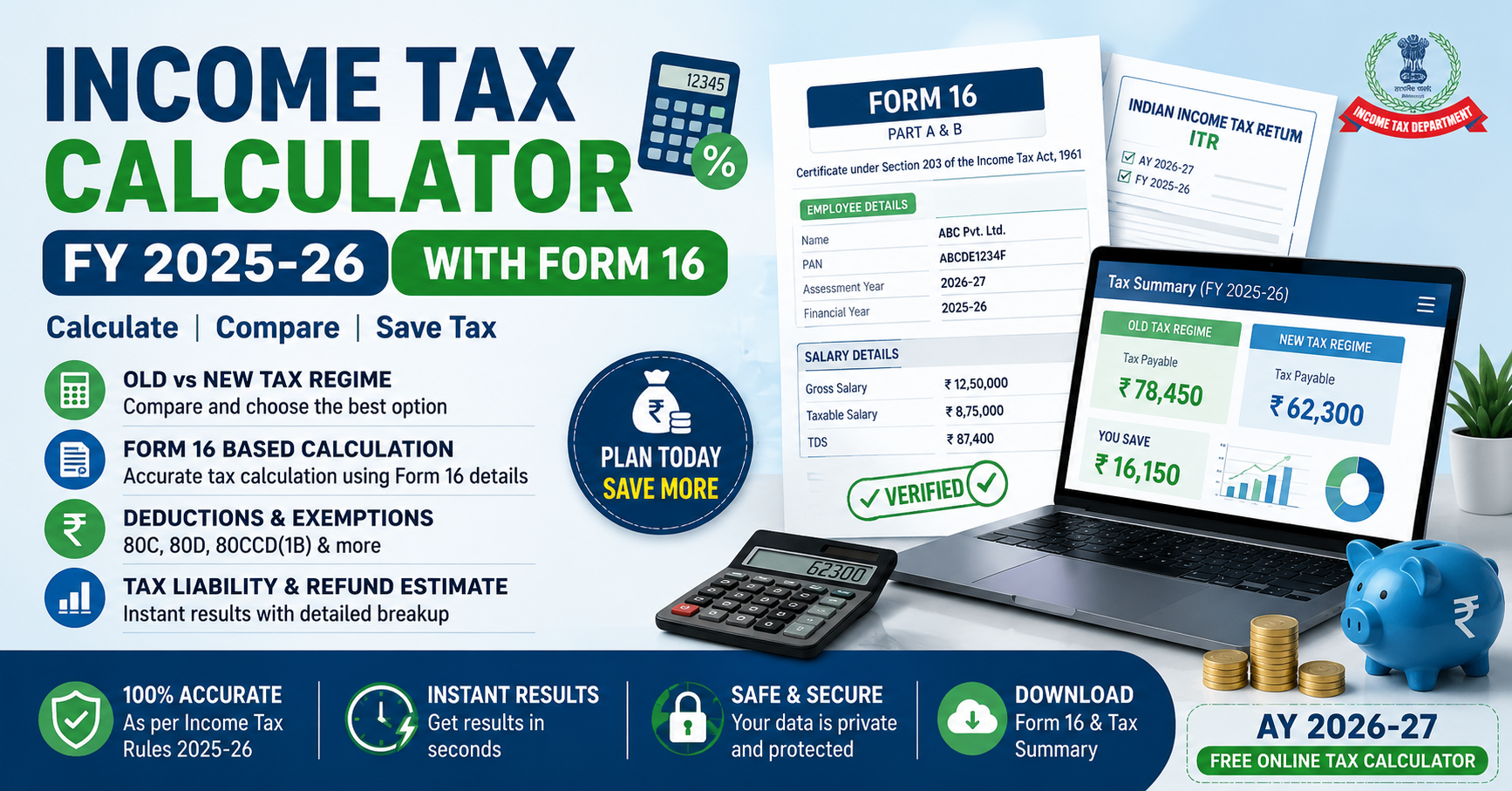
Income Tax Calculator FY 2025-26 (AY 2026-27)
राजस्थान और अन्य राज्यों के शिक्षकों एवं कर्मचारियों के लिए विभिन्न लोकप्रिय क्रिएटर्स (जैसे Parmanand Meghwal, Ummed Tarad, Heera Lal Jat) द्वारा तैयार की गई Excel Sheets नीचे दी गई तालिका से सीधे डाउनलोड की जा सकती हैं।
Download Excel Tax Calculators — State Wise (FY 2025-26)
Understanding the Form 16 Part A and Part B Format
Form 16 is divided into two distinct components, both of which are required to complete the filing process successfully. Our Form 16 Part A and Part B Format in Excel integrates both parts into a single workbook for convenience.
1. Part A (TDS Deposit Summary)
Part A contains the essential identification details of the employer and the employee. Key information included in Part A consists of:
- Legal name and address of the employer (the deductor).
- Full name, designation, and address of the employee (the deductee).
- PAN and TAN of the employer.
- PAN of the employee.
- Quarter-wise summary of tax deducted and deposited into the government treasury.
- Unique Transaction Reservation System (TRACEs) verification numbers.
2. Part B (Salary & Deductions Details)
Part B is the detailed computation sheet prepared by the employer. It provides a complete calculation of your taxable income, including:
- Gross salary received during the year.
- Allowances exempt under Section 10 (such as HRA, LTA, and Gratuity).
- Standard deduction of Rs. 75,000 (as per the latest rules).
- Deductions under Chapter VI-A (80C, 80D, 80CCD, 80G, etc.).
- Tax on total income and education cess calculated slab-wise.
- Net tax payable or refundable.
Key Features of the Editable Form 16 Format in Excel
Managing payroll and tax certifications can be overwhelming for DDOs and small businesses. This **Income Tax Form 16 Excel** utility is packed with features to make tax accounting simple and accurate:
- Old vs. Default New Tax Regime: The utility supports slab rates for both tax regimes. It calculates tax under both options simultaneously to help employees choose the most beneficial regime for the financial year.
- Automated Calculation Formulas: All cells for Gross Salary, HRA exemption, Chapter VI-A savings, and final tax payable are formula-driven. You only need to input the basic salary parameters, and the rest is handled by the **Form 16 Excel Utility**.
- Print-Ready Template: The formatting matches the standardized official A4 template. Once the calculations are done, DDOs can print the sheet directly as a PDF or physical copy to sign and distribute.
- Devanagari/Hindi Input Compatible: Fields are compatible with Hindi unicode and font systems, making it useful for Rajasthan state government DDOs and school administrators.
How to Use the Form 16 Template Excel Free Download
- Step 1: Download & Enable Macros
Download the utility file from our portal. When you open it, click "Enable Editing" and "Enable Macros" (or Enable Content) at the top warning bar, as the automated formulas rely on VBA code. - Step 2: Enter Employer & Employee Information
Fill in the basic administrative parameters on the main sheet: Employer name, address, TAN, PAN, Employee name, designation, and PAN. - Step 3: Enter Salary & Allowance Details
Input the gross salary breakup (basic salary, DA, HRA, bonuses, travel allowances, and other benefits) month-by-month or annually. - Step 4: Declare Exemptions and Deductions
Input tax-saving declarations under Chapter VI-A. This includes PPF deposits, GPF deductions, LIC premiums, housing loan principal repayments, and health insurance premiums under Section 80D. - Step 5: Verify Slabs & Print
Double-check that the selected tax regime is correct. The sheet will output the net tax liability. Print the Part A and Part B tabs to complete the documentation.
Frequently Asked Questions (FAQs)
Can I file ITR without Form 16?
Yes, you can file your returns using your monthly pay slips, Form 26AS (to verify TDS), and your Annual Information Statement (AIS). However, using the **Form 16 Download Excel** makes listing the various salary exemptions and deductions much easier and highly accurate.
Is this Form 16 Template free to download?
Yes, this complete **Form 16 Format PDF and Excel** template is provided entirely free of charge for DDOs, government teachers, private employees, and accounts managers.
What happens if there is an error in my Form 16?
If you find any mistakes (such as incorrect PAN, name spelling, or missing TDS credits), you must contact your employer immediately. The employer will correct the details in their payroll system and file a revised quarterly TDS return to issue a corrected Form 16.